Developer onboarding
Set up required developer access for Azure, Azure DevOps, and GitHub Copilot.
Developer onboarding
Use this checklist to finish your developer access setup before starting project work.
Azure
Portal access
You have been assigned a Visual Studio subscription. Activate it to unlock the Azure benefit that provides $150 per month in Azure credit.
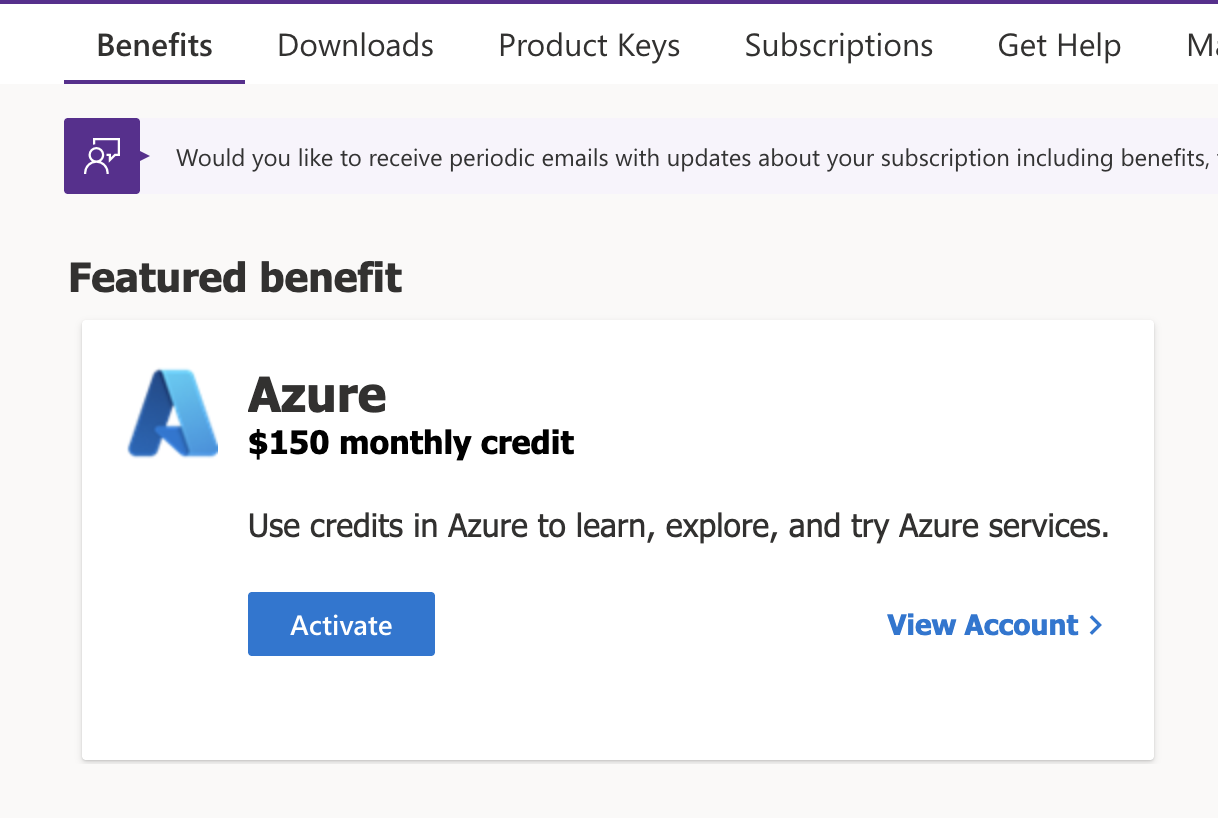
Activate the Azure benefit
- Open the Visual Studio portal.
- Sign in with your company account.
- Click Activate subscription.
- Find the Azure benefit with $150/month credit.
- Click Activate and follow the activation instructions.
- Confirm that the Azure subscription is visible in the Azure portal.
Source message
Bylo vám přiřazeno předplatné Visual Studio. Klikněte na portál Visual Studio, aktivujte si výhodu a postupujte podle pokynů pro aktivaci.
If activation fails or the benefit is missing, open Visual Studio help and contact the team member who assigned the subscription.
Azure DevOps
The developer needs access to the BigHub Azure DevOps organization:
Confirm that you can open https://dev.azure.com/bighubcz/ with your company account. If access is denied, write to Jakub Vodička on Teams at jakub.vodicka@bighub.cz and ask him to grant Azure DevOps access with the Enterprise license.
GitHub Copilot
Developers can access GitHub Copilot and the GitHub CLI using their company email account.
Use the BigHub GitHub username format:
firstname-surname_bighubFor example:
tomas-rokos_bighubConfirm that you can sign in to GitHub with your company email and that Copilot is available in your editor. If GitHub CLI access is needed, authenticate it with the same GitHub account.